A Till, Stock and Books on the Phone You Already Own
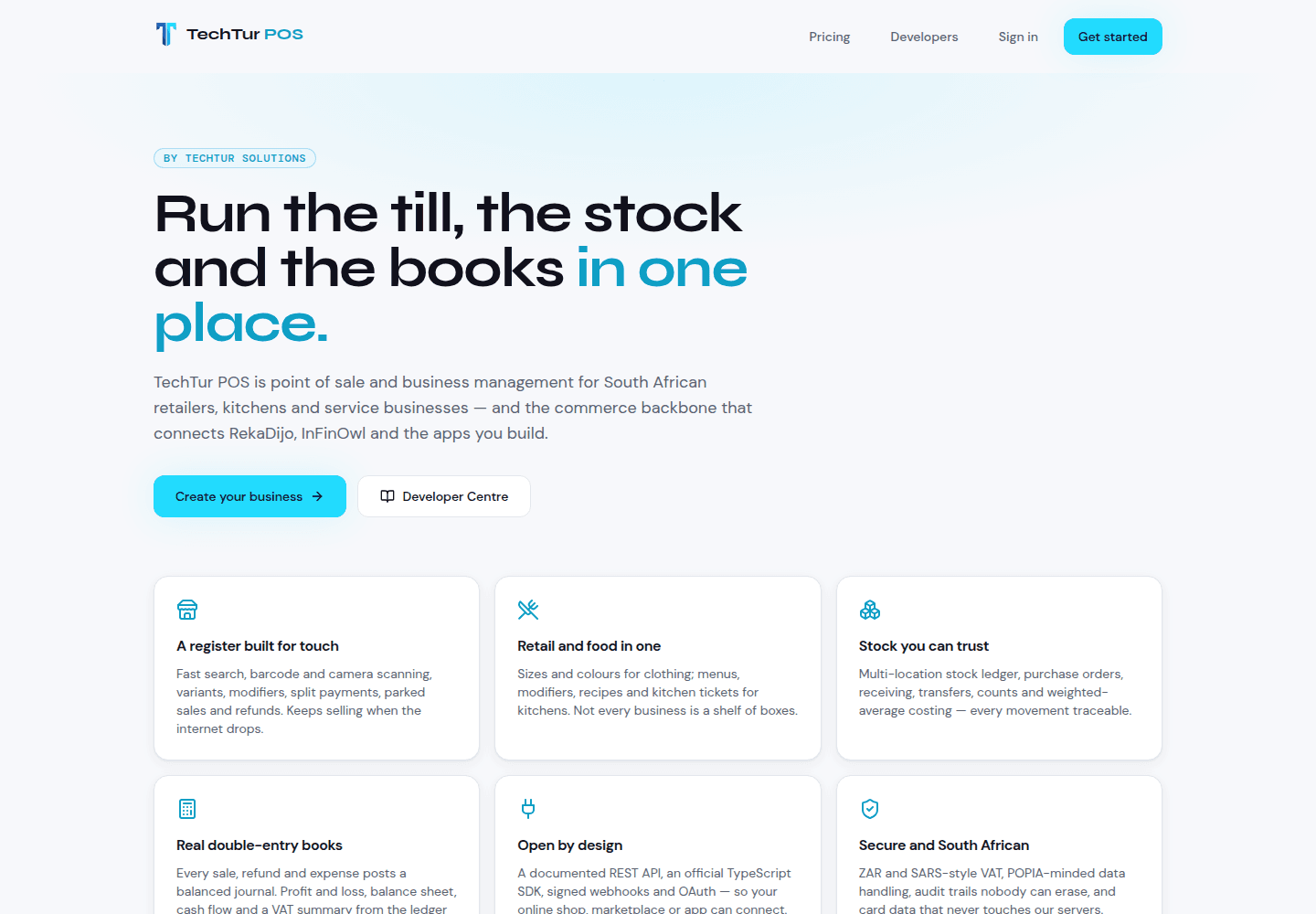
TechTur POS is a point of sale for South African small businesses that starts from the owner's phone: camera scanning, your own card machine or Paystack QR, offline selling and real books — with hardware as an option, not an entry fee. Here is what it does today, and what is still to be proven.
Most point-of-sale systems begin with a shopping list: a till computer, a barcode scanner, a receipt printer, a cash drawer, a card terminal, and a contract to tie them together. For a market stall, a pop-up or a shop with one counter, that list can cost more than the first month of trading brings in.
We built TechTur POS the other way round. It starts from the phone the owner already has, and every piece of extra hardware is optional. This is what it does today, how a small business can use it, and, just as plainly, what has not been proven yet.
The phone is the till
TechTur POS runs in the browser at pos.techtursolutions.com. There is no app store download: on Chrome, Edge or Android you tap Install app, and in Safari you choose Share → Add to Home Screen. After that it opens from the home screen like any other app.
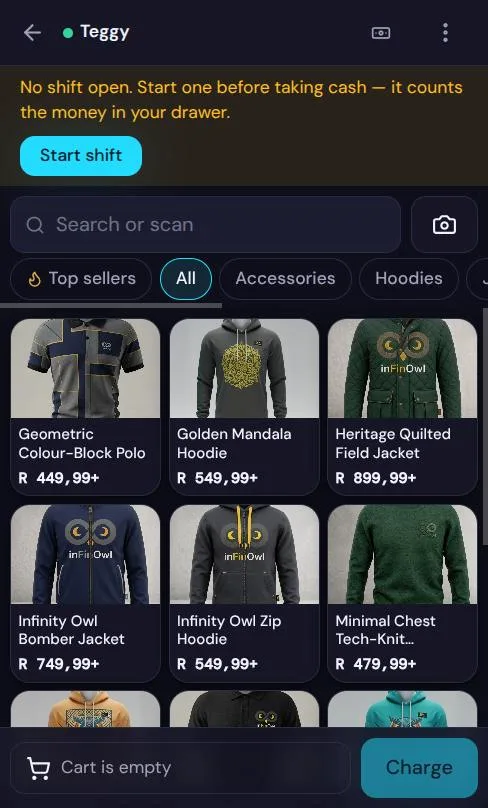
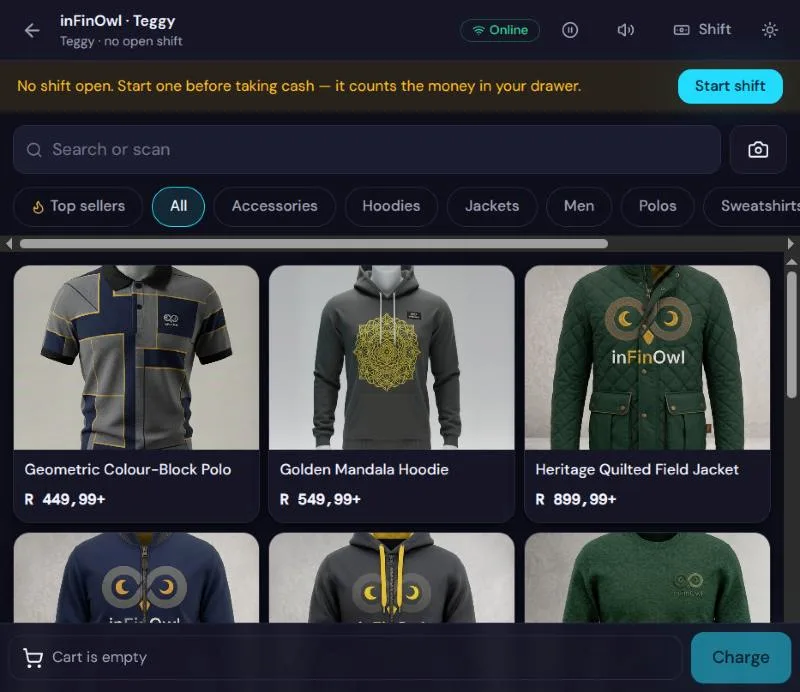
The register was laid out for a phone held in one hand. Products sit three to a row as photo tiles, the cart lives in a sheet behind a bottom bar, and Charge is always within reach of a thumb. Photos matter more than they sound: when a barcode will not scan, or an item has none, a seller can still find it by sight. A product without a photo gets a coloured tile with its initials rather than a blank square, and the owner can take a product photo with the same phone camera.
Scanning without a scanner
Next to the search box is a camera button. On Chrome or Edge, on Android, ChromeOS and macOS, the camera reads barcodes directly, and a short beep and a buzz confirm each item. An unknown barcode gets a different, lower tone, so the cashier knows without looking.
Two honest caveats. Safari and Firefox do not offer the browser feature the camera scanner relies on, so on an iPhone you tap or search instead, or plug in a scanner. And if you do want a scanner, almost any USB or Bluetooth one works without a driver, because in keyboard mode it simply types the code and presses Enter. Neither the camera nor scanners have yet been tested on physical devices; the code is written and tested, and we will only call hardware compatible once we have tried it.
Taking money with what you already have
TechTur POS does not sell you a card machine. Cash works with quick tender buttons and change worked out for you. If you already have a Yoco, iKhokha or other standalone terminal, you run the card on it and tick terminal shows APPROVED once it does — a started payment is not a paid one. SnapScan, Zapper and vouchers can be added as their own buttons, each with its own line at cash-up.
A business can also connect its own Paystack account. At the till, the register shows a QR code and a payment link, checks with Paystack every few seconds, and completes the sale only when Paystack confirms the exact amount. That money goes to the business's account, never to TechTur. Payments can be split across methods.
Receipts print from a phone as A4 or PDF, or on an 80 mm or 58 mm receipt printer if you have one. Integrated card terminals, where the till talks to the machine directly, are not available yet; they need each provider's developer accounts and test devices, and we will list them only once they are tested.
When the signal drops
Mobile data fails at exactly the wrong moments: a busy market, a basement shop, load-shedding. While you are online and signed in, TechTur POS quietly saves the whole site to the device — dashboard, registers, products, stock, sales and reports — so it still opens when the connection goes.
Offline, you can start and close a shift, sell for cash, on your own card machine or by EFT, record cash in and out, cash up, and print receipts. Everything queues in the order it happened and sends itself when the connection returns, even if the page was closed. Nothing is sent twice. Paystack QR, store credit and account sales need a connection, and the app says so rather than pretending.
The hard part was price. If an owner changes a price while a till is offline, what should that till's sale record?
We chose the price the customer was shown. The server honours it only for products that changed after the till last saved its catalogue, records that it did, and refuses a mismatch on anything that did not change.
The same honesty applies to stock: if two offline tills each sell the last unit, stock goes negative and the report shows it, instead of hiding it. The offline path is covered by browser tests that switch the network off and keep selling on desktop, tablet and phone sizes. It has not yet been tried on real phones in a real shop.
Cash that adds up at closing
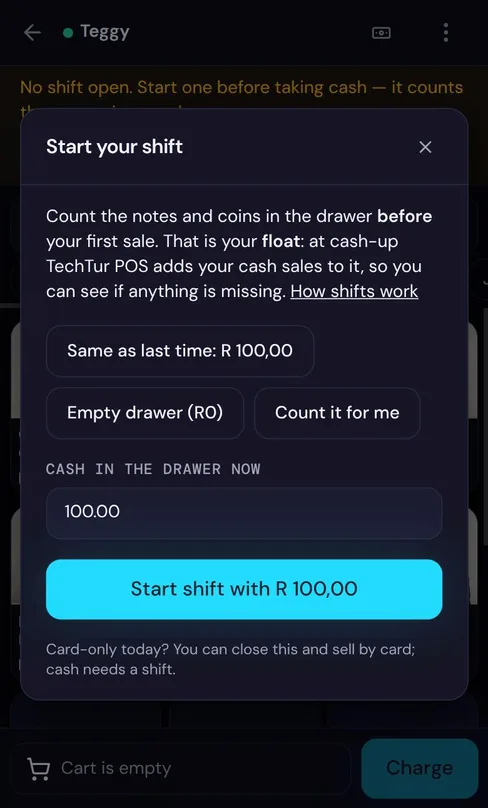
A shift is one person's time on one till. The register asks for the float as soon as it opens, offering Same as last time or a notes-and-coins counter. Typed R5000 instead of R500? It can be corrected for 30 minutes, before any cash moves. At closing, cash-up shows what the drawer should hold against what was counted, posts any difference to the books as cash over and short, and tells managers when it is R50 or more.
Each register belongs to one device at a time. If someone opens it on a second phone, POS says who has it and asks before taking it over, because two phones on one cash drawer make a cash-up impossible to trust.
One stock count for the shop and the website
TechTur POS is also the commerce backbone for our other platforms, and inFinOwl, the streetwear store we built, is the first shop on it. Its products, sizes, colours, prices and photos come across from the website automatically; edit them in inFinOwl and POS updates on the next sync, which runs every minute and straight after checkout.
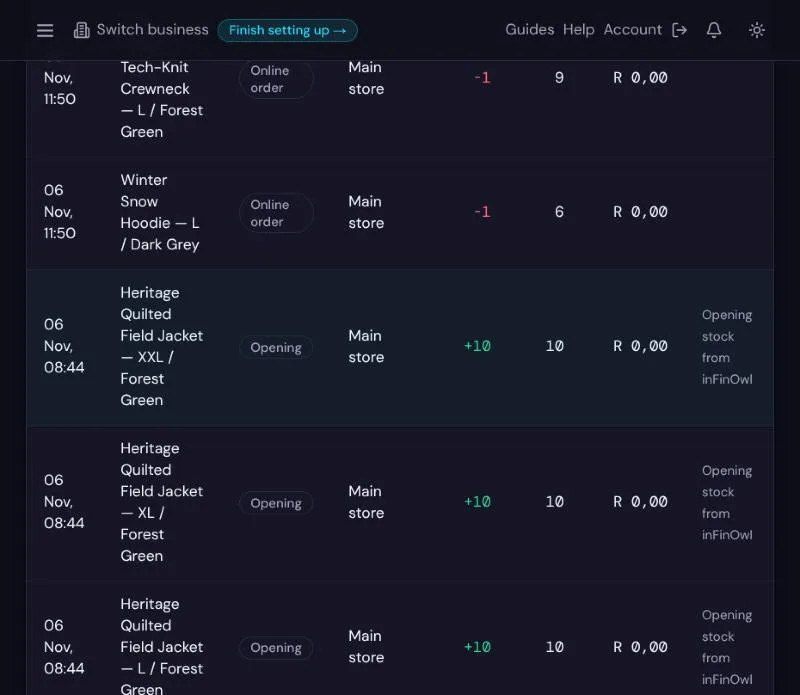
POS holds the stock. When the link was switched on, every variant arrived as opening stock. When a customer later paid for an order on the website, POS took each item off the shelf count, and that is the number both the till and the website now sell from. An unpaid order only reserves stock; it becomes a sale when it is paid. Every change is a movement in a ledger, so nothing is ever silently overwritten.
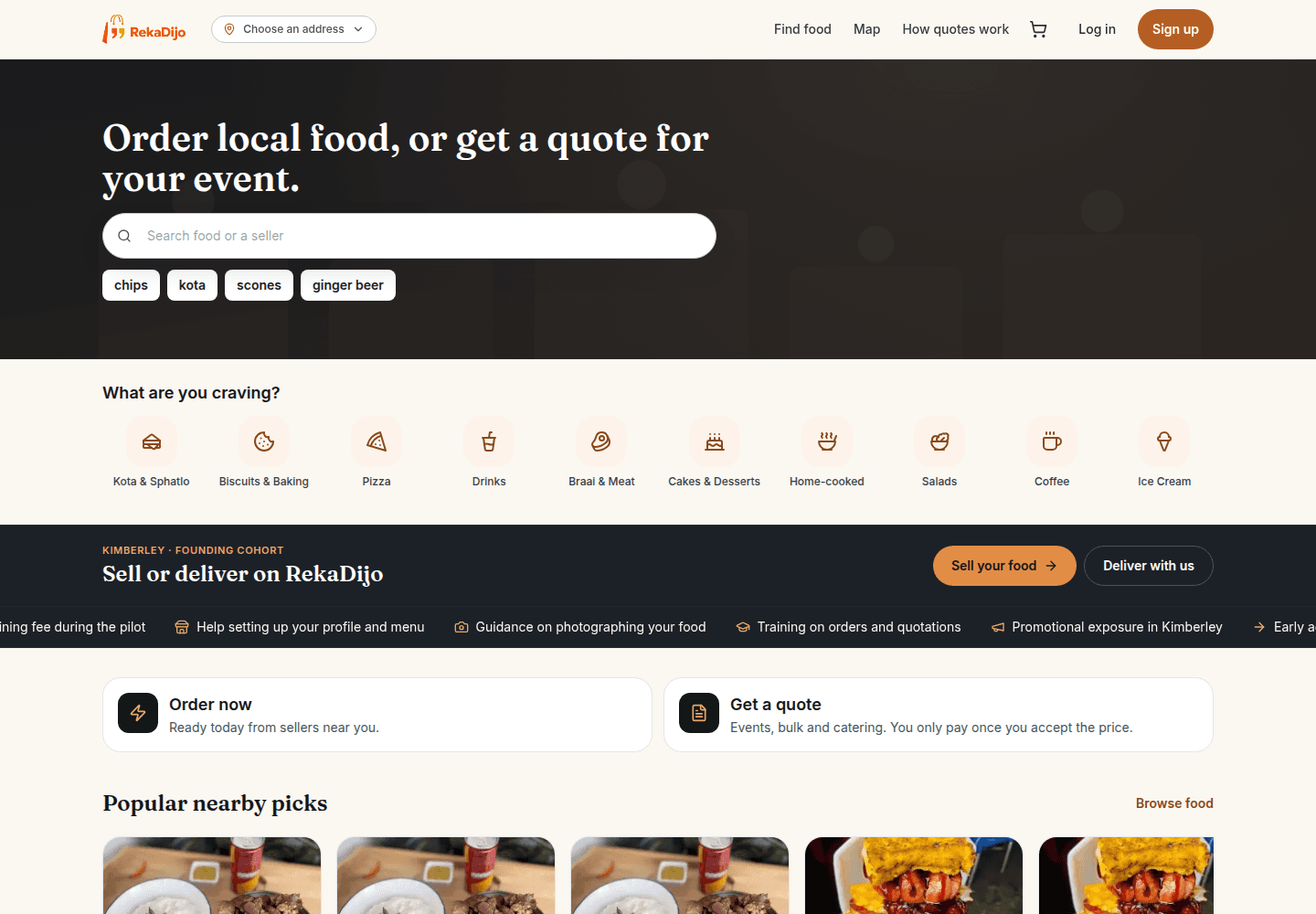
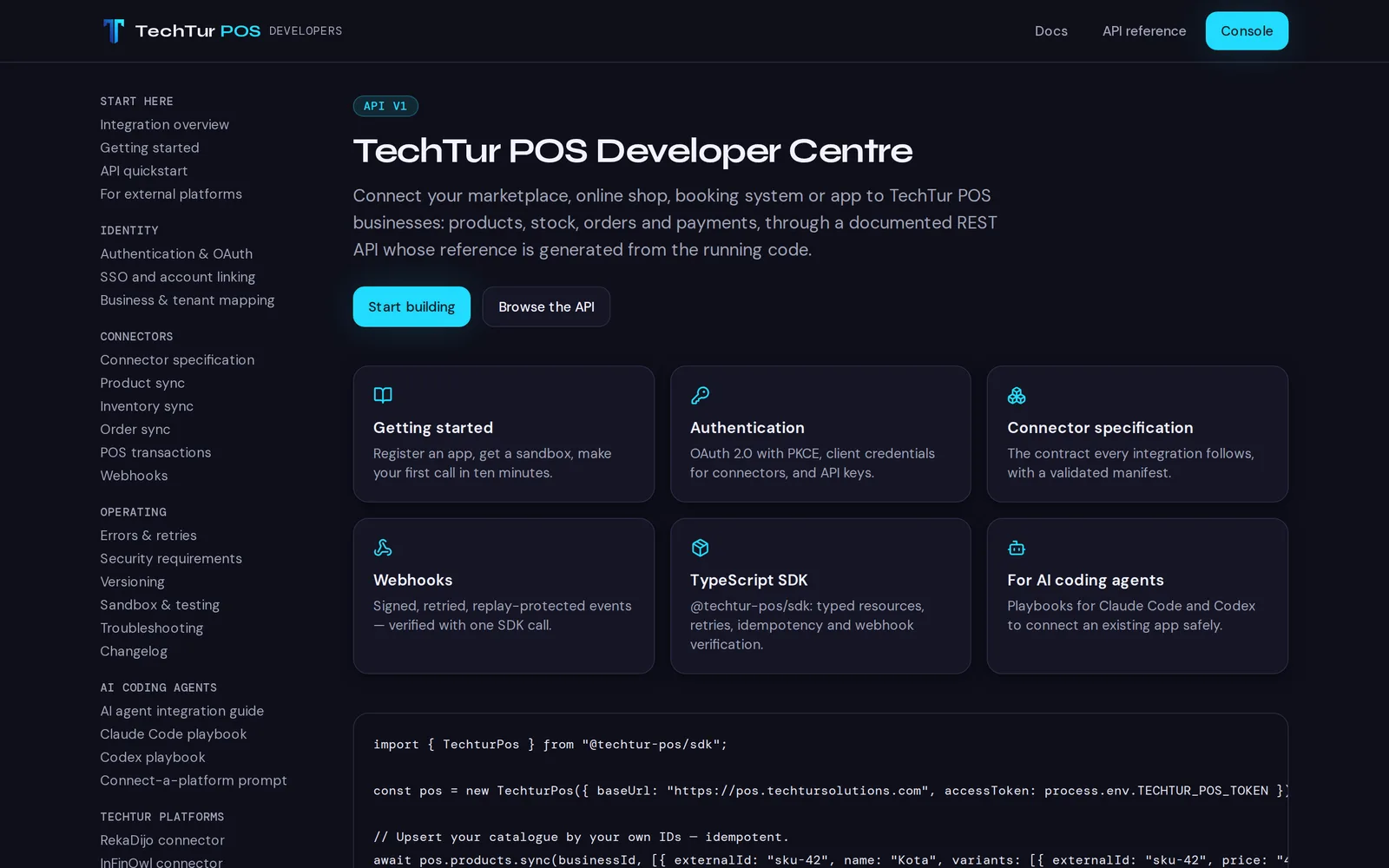
The same connector is live inside RekaDijo, our food-ordering marketplace, though no RekaDijo seller has linked a business yet. Any other website or app can connect the same way through a documented REST API, an official TypeScript SDK, signed webhooks and OAuth, all described in the Developer Centre.
Books, not just a list of sales
Every sale, refund and expense posts a balanced double-entry journal, and the database itself refuses to let anyone edit a finished sale or a posted entry. Mistakes are corrected with reversals and refunds, which leave a trail. From that ledger come a profit and loss, balance sheet, cash flow and VAT summary. The VAT output has not been reviewed by a tax practitioner, so we would still have your accountant check it before you file.
Priced for a stall, not a chain
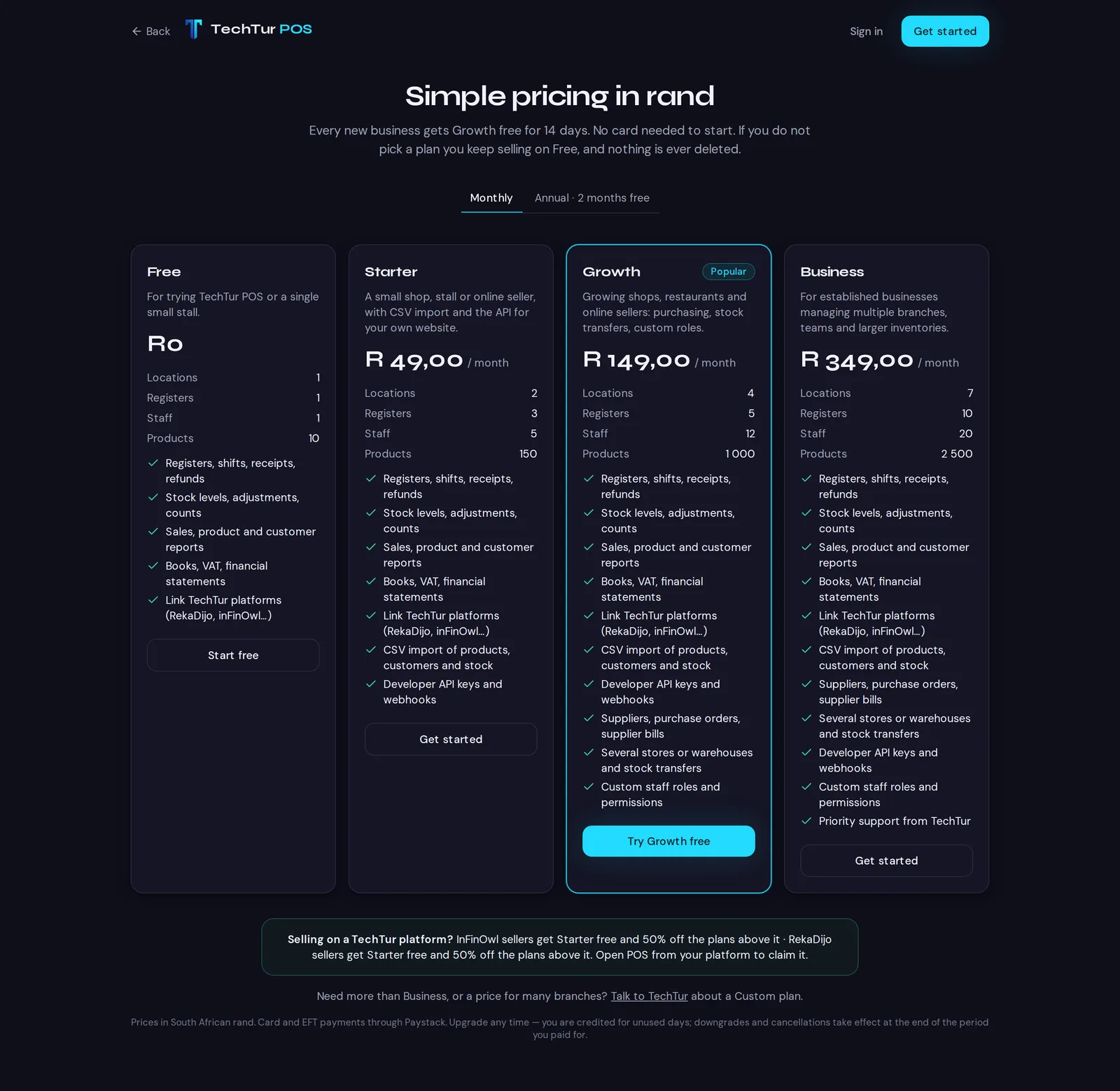
Every new business gets the Growth plan free for 14 days with no card. If you do not choose a plan you move to Free and keep selling, and nothing is deleted. Moving down a plan never hides your data; it only stops you adding more than the plan allows.
- Free costs nothing: one location, one register, one person and ten products — enough to try it or run a very small stall.
- Starter is R49 a month: two locations, three registers, five staff, 150 products, CSV import and the API.
- Growth is R149 a month: four locations, five registers, twelve staff, 1,000 products, purchasing and stock transfers.
- Business is R349 a month: seven locations, ten registers, twenty staff and 2,500 products.
Paying annually gives two months free. Sellers who come through inFinOwl or RekaDijo get Starter free and half price above it.
Where it stands today
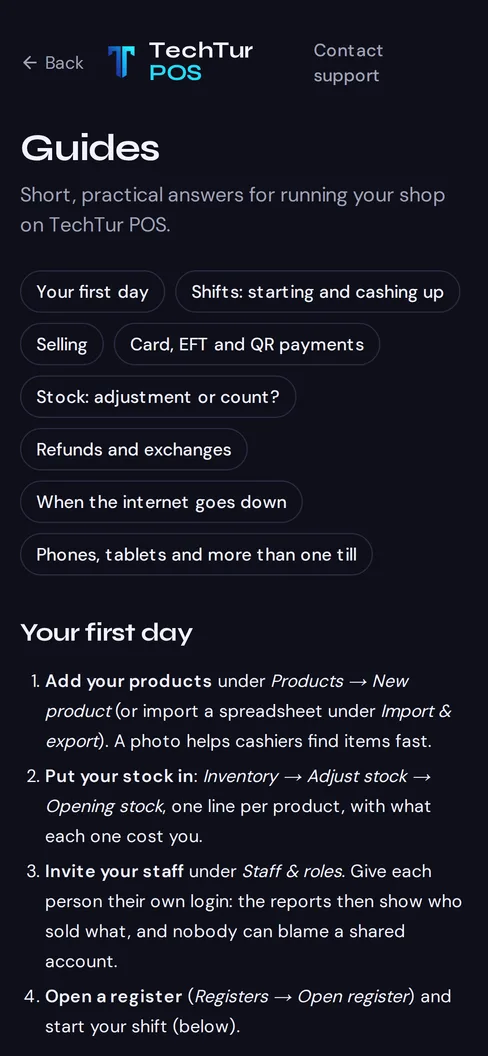
TechTur POS had its first production release on 6 November 2026. The register, shifts, stock, purchasing, customers, refunds and books are live and covered by automated tests, and the inFinOwl link is moving real stock. What is still to come is mostly hardware: physical tests of scanners, receipt printers and cash drawers, integrated card terminals, and trying the offline mode on real phones in a working shop. Short guides for the everyday questions, from cashing up to what works offline, are on the site.
If you run a small shop, a stall or a kitchen and want a till without buying the hardware first, you can create a business on TechTur POS today. If you would rather talk it through, or want your own website connected to it, get in touch.
Enjoyed this article?
Get more design tips and web dev insights in your inbox. No spam — just good content.